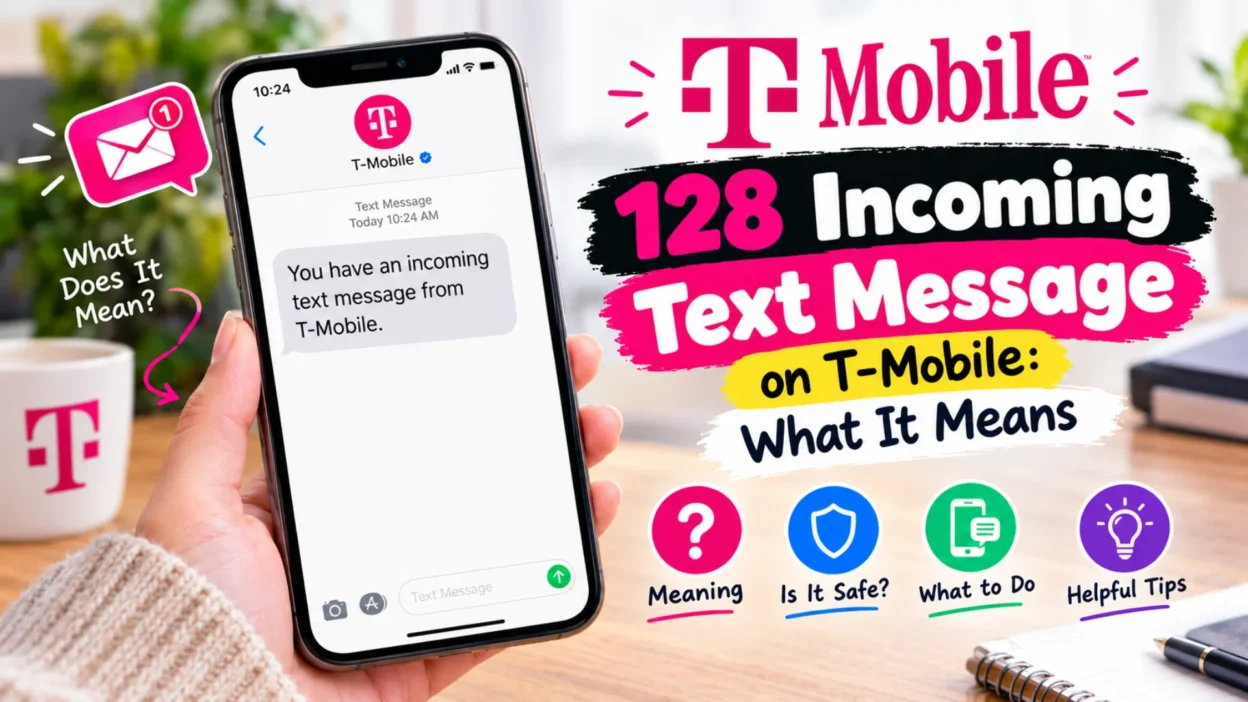
Seeing an unfamiliar entry on your phone bill can be unsettling. You glance at your T-Mobile usage log, and there it is: a short code labeled “128” with a timestamp next to it. You don’t recognize the number, you never sent a message to it, and yet it appears repeatedly. Before you panic or assume the worst, it helps to understand what this entry actually represents. The 128 incoming text message on T-Mobile is not a message from a person, a telemarketer, or a scammer. It’s an internal system code that T-Mobile uses to log specific network activities on your account. These entries typically relate to voicemail notifications, device synchronization, or other behind-the-scenes functions that keep your service running smoothly. This guide will walk you through everything you need to know, from the most common triggers to rare edge cases and practical troubleshooting steps.
What Does the 128 Incoming Text Message Actually Mean?
The 128 code is best understood as a system-level routing number rather than a traditional short code. Unlike five- or six-digit short codes that businesses use for marketing or two-factor authentication, 128 is a three-digit carrier-specific identifier. T-Mobile’s network infrastructure uses it as a placeholder to record technical events that occur on your line. When you see “128” in your usage log, you’re looking at a log entry, not a conversation. The message itself doesn’t appear in your phone’s Messages app because it was never delivered to your device as a visible text. Instead, it’s processed by T-Mobile’s servers for internal tracking purposes. In many cases, these entries correlate with routine activities like receiving a voicemail or syncing data between paired devices. For most customers, the 128 code is completely harmless and requires no action.
Why T-Mobile Uses 128 for Internal Logs
Carriers rely on short internal codes to separate customer-facing messages from network signals. T-Mobile uses 128 because it’s short, easy to route, and reserved for system use. Consequently, spammers and marketers cannot rent or spoof this code for bulk messaging. The network generates a 128 entry whenever a service needs to send a silent notification to your line. For example, your voicemail system might ping your phone to update the voicemail icon. Similarly, a paired smartwatch might request a sync of recent call logs. Each of these events creates a small data trail. T-Mobile logs that trail as a 128 incoming message for billing and technical records. Therefore, the code acts more like an internal receipt than a real text.
Voicemail Notifications: The Most Common Trigger
The single most common reason for a 128 entry in your T-Mobile usage log is voicemail activity. When someone leaves a voicemail on your line, the network needs to send a notification signal to your phone to alert you that a new message is waiting. This internal network notification is often logged as an incoming message from 128. Similarly, the act of calling your voicemail box to retrieve messages can also trigger a 128 log entry. If you’ve noticed that the timestamps on your 128 entries align closely with missed calls or voicemail checks, that’s almost certainly the explanation. For example, if a friend calls you at 2:15 PM and leaves a voicemail, you might see a 128 entry logged around the same time. This doesn’t mean the friend texted you from a mysterious number. It simply means the voicemail system generated a network signal, and T-Mobile’s logging system recorded it as a 128 event. In most cases, you can match each 128 entry to a specific voicemail notification without much effort.
Missed Calls and Visual Voicemail
Visual Voicemail adds another layer to this process. When your phone downloads a voicemail transcript or audio file, the network may generate a 128 entry. iPhone users often see this after a missed call from an unknown number. Android users may see it when their voicemail app refreshes. Either way, the code remains a background function, not a visible message.
Device Synchronization: Apple Watch, iPad, and DIGITS
The second frequent trigger for the 128 code involves multi-device synchronization. If your T-Mobile phone number is linked to a secondary device—such as an Apple Watch, a cellular-enabled tablet, or a device using T-Mobile’s DIGITS service—the network sends internal synchronization signals to keep everything in communication. These background status checks are often recorded as incoming 128 messages. For instance, if you have an Apple Watch paired with your iPhone, the network periodically syncs message data, call logs, and other information between the two devices. Each sync event can generate a 128 log entry. This explains why users with data-only or tablet lines sometimes see frequent 128 entries even when they haven’t received a physical text message. The code acts as a placeholder for traffic originating from one of your own registered devices, not from an external sender.
128 vs. 2300: How T-Mobile’s System Codes Differ
T-Mobile uses several internal codes for logging network events, and 128 is not the only one you might encounter. The code 2300 is another common entry that appears in usage logs. While 128 is primarily associated with voicemail and device synchronization, 2300 is generally used for Multimedia Messaging Service (MMS) routing. Specifically, 2300 entries often appear when you receive or send picture messages, screenshots, GIFs, or participate in group messages. If someone reacts to a message or photo in a group chat, that activity might also generate a 2300 log entry. In contrast, 128 is more narrowly tied to voicemail notifications and device sync traffic. Understanding the difference between these codes can help you interpret your bill more accurately. Neither code represents a charge or a conversation you need to worry about.
Is the 128 Text Message a Scam or Security Risk?
No, the 128 short code is not a scam. It’s a legitimate, internal T-Mobile network identifier used exclusively for carrier functions. Because the code is short and unique, it’s reserved for system use and is not available to spammers or marketers. You should never receive an actual, visible text message from 128 asking you to click a link, provide personal information, or call a phone number. If you do receive a message in your regular inbox that appears to be from 128 and asks for sensitive details, that’s a phishing attempt spoofing a legitimate-looking number. In that case, you should not click any links and should report the message immediately. The legitimate 128 entries in your usage log are simply a behind-the-scenes look at your phone’s connection to the T-Mobile network and its associated services.
Why It Appears on Your Bill but Not in Messages
One of the most confusing aspects of the 128 code is that it appears on your bill or usage log but never shows up in your phone’s messaging app. This happens because the 128 entry is a network event, not a text message sent by a human. Since these entries are processed by T-Mobile’s servers for internal tracking, they only become visible when you pull up a detailed, line-by-line usage report online or through the T-Mobile app. They are not delivered to your device’s SMS inbox because they were never intended to be read by you. Think of them as internal receipts that the network generates for its own record-keeping. This is also why you can’t reply to a 128 entry or block it in the traditional sense. It’s not a number you can interact with.
Can You Stop the 128 Incoming Text Entries?
Since 128 entries are part of the network’s normal operating log, you generally cannot stop them without disabling the underlying service that triggers them. If you want to eliminate voicemail-related 128 entries, you would need to disable your voicemail service entirely, which is rarely practical for most users. Similarly, entries related to device synchronization will only stop if you remove the secondary device—such as an Apple Watch or tablet—from your phone line. In other words, the presence of 128 entries is a side effect of using features that most people rely on daily. The good news is that these entries don’t cost you anything. Incoming messages, including system logs, are typically free on T-Mobile plans. Therefore, there’s no financial reason to try to stop them.
When 128 Might Signal a Device Issue
In rare cases, the 128 code has been associated with device-specific glitches. Historically, some Samsung devices experienced conflicts with the three-digit code 128 because it overlaps with certain international emergency number protocols. This occasionally triggered an “Emergency Unblocking” feature or caused unusual behavior on the device. If you notice strange phone behavior—such as unexpected emergency dialing or repeated system errors—after seeing 128 entries, it’s worth contacting T-Mobile support or checking for a software update. However, for the vast majority of users on iPhones and modern Android devices, the 128 code remains a benign log entry with no impact on device performance.
Common Mistakes People Make When They See 128
When customers first notice 128 entries on their bill, they often jump to worst-case conclusions. Some assume they’re being charged for premium services, while others worry that someone is secretly texting them. A common mistake is to call T-Mobile customer support and demand that the number be blocked. Since 128 is not a real phone number, blocking it is neither possible nor necessary. Another mistake is to confuse 128 with 2300 or other system codes. Each code has a distinct purpose, and treating them as interchangeable can lead to unnecessary confusion. Perhaps the biggest mistake is to ignore the context: if the 128 entries align with your voicemail activity or device sync schedule, there’s simply nothing to fix.
How to Verify a Suspicious Text Message
While 128 itself is safe, T-Mobile customers are frequently targeted by smishing scams that impersonate the carrier using different methods. It’s important to know how to spot a fraudulent text message, regardless of the sender number. Be suspicious if any text message contains these red flags: a link asking you to log in to your T-Mobile account, a request for your PIN or Social Security number, a threat that your account will be suspended unless you act immediately, or a message from an unknown number claiming you’ve won a prize. Legitimate T-Mobile system messages from 128 will never ask you to click a link or provide personal information. If you receive a suspicious message, forward it to 7726 (SPAM), which is the industry-standard short code for reporting spam texts.
128 on Different Devices: iPhone, Android, and Tablets
The 128 code can appear in usage logs regardless of what type of device you’re using, but the underlying triggers may vary slightly. On iPhones, 128 entries are most commonly linked to Visual Voicemail notifications and Apple Watch synchronization. Android users often see 128 entries related to voicemail notifications and DIGITS pairing. Tablet users with cellular data plans may see 128 entries related to data synchronization and network registration. The code itself behaves the same way across platforms—it’s a system-level log entry—but the frequency of entries can differ based on how many connected devices you have and how actively you use voicemail. If you use multiple T-Mobile lines or have several paired devices, you’ll likely see more 128 entries than someone with a single phone and no secondary devices.
Frequently Asked Questions About the 128 T-Mobile Text
Does the 128 incoming text message cost me anything?
No. Incoming system messages and log entries from 128 do not incur charges on T-Mobile plans. They are internal network events, not billable messages.
Can I block the 128 short code?
You cannot block 128 because it’s not a real phone number. It’s a carrier system code, and blocking it would be like trying to block your phone’s ability to log network activity.
Why do I see 128 entries only on one line?
If 128 entries appear on only one line, it’s often because that line receives more voicemails or has a paired device like a smartwatch. It’s not a sign of hidden activity.
Is 128 the same as 2300?
No. 128 is primarily linked to voicemail and device synchronization, while 2300 is used for MMS routing, including picture messages and group chats.
What should I do if I see 128 in my regular text messages inbox?
Legitimate 128 entries do not appear in your Messages app. If you see a text claiming to be from 128 in your inbox, it’s likely a spoofed message. Do not click any links, and report it to 7726.
Can 128 entries indicate that my phone is being tracked?
No. The 128 code is a standard network log entry. It does not indicate surveillance, tracking, or unauthorized access to your device.
How often should I expect to see 128 entries?
The frequency depends on your usage. If you receive several voicemails per day or have multiple paired devices, you may see 128 entries daily. If you rarely use voicemail and have no secondary devices, you might see them infrequently.
Does 128 appear on prepaid T-Mobile plans?
Yes. The 128 system code is used across T-Mobile’s network, including prepaid and postpaid plans, as well as legacy Sprint lines that have been migrated.
Final Thoughts: What to Do Next Time You See 128
The next time you spot a 128 entry on your T-Mobile bill or usage log, you can treat it as routine. It’s a system code, not a message from a stranger. It’s tied to voicemail notifications, device synchronization, and other behind-the-scenes network functions that keep your service working. Unless you notice unusual phone behavior or receive a suspicious text in your inbox, there’s no action required. If you’re still uneasy, you can cross-reference the timestamps on your 128 entries with your voicemail history or device sync schedule. In most cases, the explanation will be immediately clear. And if you ever receive a text that asks for personal information or urges you to click a link, remember that legitimate T-Mobile system messages never do that. Stay informed, and don’t let a three-digit code ruin your day.

Serhii Dunev is a passionate content creator dedicated to crafting meaningful texts, messages, and word inspirations. He aims to help people express their emotions clearly through simple and impactful words.