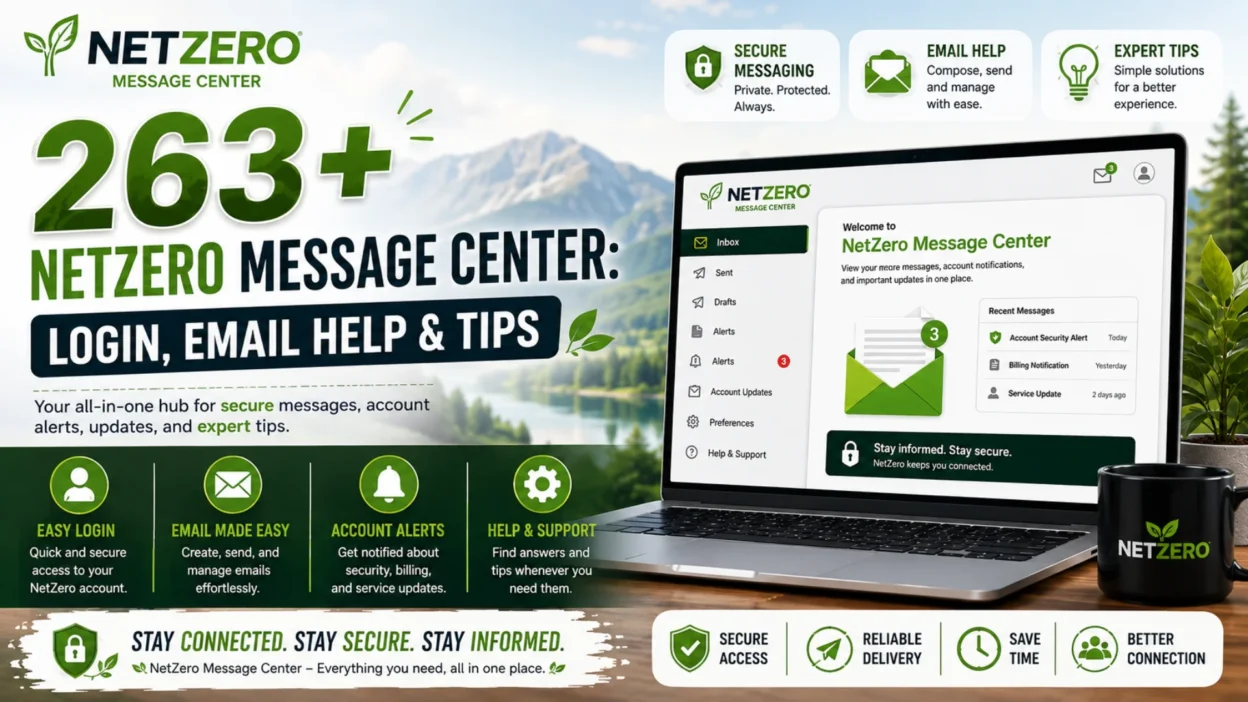
The NetZero Message Center is the central hub where NetZero users can access their email accounts, send and receive messages, organize folders, and manage contacts. Whether you’re checking your inbox from home or logging in while traveling, the Message Center makes it easy to stay connected through a web browser.
If you’re new to NetZero or experiencing login problems, this guide covers everything you need to know. You’ll learn how to access the NetZero Message Center, explore its key features, fix common issues, improve email security, and organize your inbox more efficiently.
What Is the NetZero Message Center?
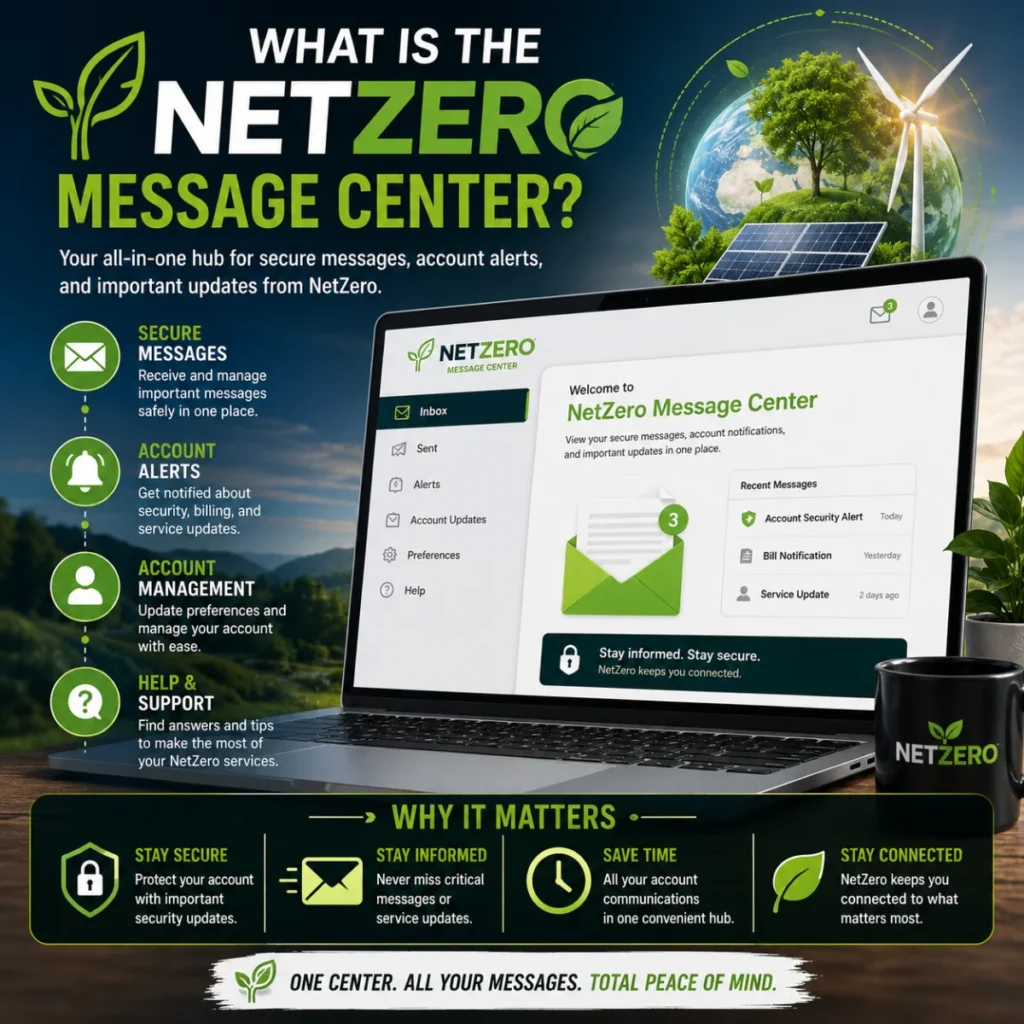
The NetZero Message Center is NetZero’s web-based email platform that lets users manage their email accounts without installing desktop software. After signing in, you can read messages, compose emails, create folders, organize contacts, and adjust account settings from almost any internet-connected device.
Because it runs in a web browser, you can access your mailbox whether you’re using a desktop computer, laptop, tablet, or smartphone.
Why People Use the NetZero Message Center
Many long-time NetZero customers continue using the Message Center because it’s simple, familiar, and accessible from nearly anywhere.
Some common reasons include:
- Checking personal emails
- Receiving account notifications
- Managing family communication
- Sending documents and attachments
- Organizing important conversations
- Accessing email while away from home
- Keeping archived emails in one location
For many users, it remains the easiest way to manage their NetZero email account online.
Key Features of the NetZero Message Center
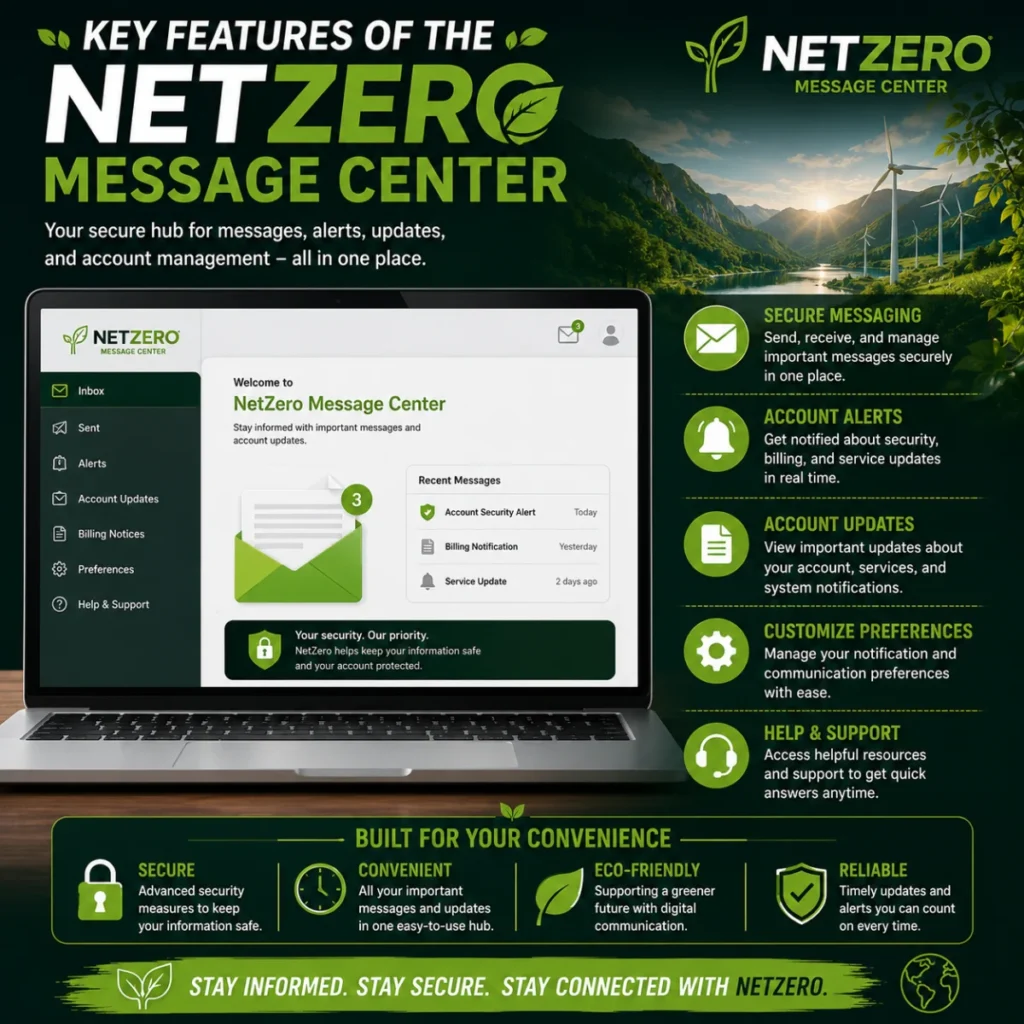
The platform includes several practical tools that make everyday email management straightforward.
Read and Send Emails
Users can quickly open incoming messages, compose new emails, reply to conversations, or forward important information.
Inbox Organization
Create folders to separate work emails, personal messages, newsletters, receipts, or archived conversations.
Contact Management
Save frequently used email addresses so you don’t have to type them every time you send a message.
Search Emails
The built-in search function helps locate messages using keywords, sender names, or subject lines.
Spam Filtering
The Message Center automatically filters many unwanted emails into the spam folder, helping keep your inbox organized.
Attachment Support
You can send and receive documents, images, PDFs, and other supported file types directly through your email account.
How to Log In to the NetZero Message Center
Accessing your account only takes a few minutes.
Follow these simple steps:
- Open your preferred web browser.
- Visit the official NetZero website.
- Select Message Center or Email Login.
- Enter your NetZero email address.
- Type your account password.
- Click Sign In.
If your login details are correct, your inbox should appear within seconds.
Creating and Sending Emails
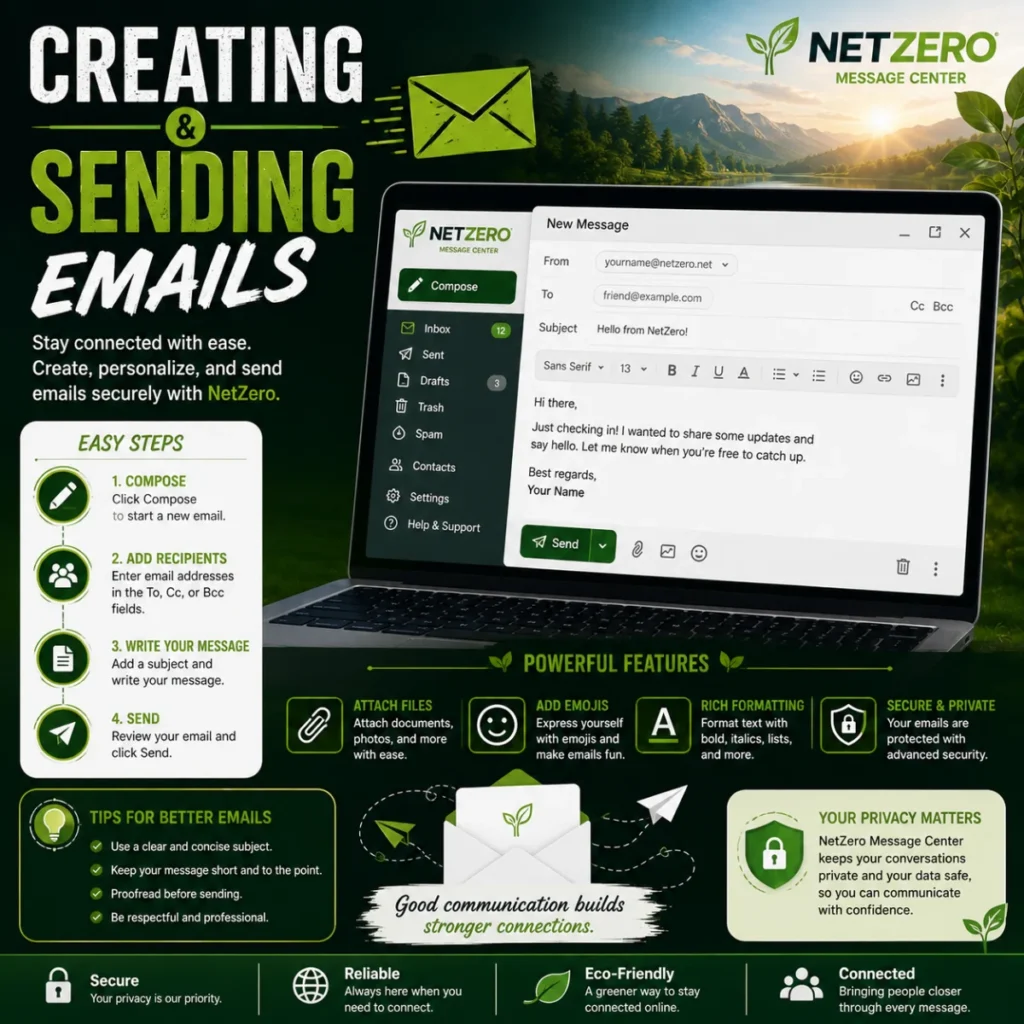
Sending an email through the NetZero Message Center is quick and straightforward.
Simply:
- Click Compose.
- Enter the recipient’s email address.
- Write a clear subject line.
- Type your message.
- Attach files if needed.
- Review everything carefully.
- Click Send.
Using descriptive subject lines makes your emails easier for recipients to recognize and organize.
Organizing Your Inbox More Efficiently
A well-organized inbox saves time and reduces stress.
Here are several useful habits:
- Delete unnecessary emails regularly.
- Archive messages you may need later.
- Create folders for different categories.
- Empty the spam folder occasionally.
- Keep your contact list updated.
- Flag important emails for quick access.
- Remove duplicate or outdated messages.
Even spending a few minutes each week organizing your inbox can improve productivity.
Common NetZero Message Center Login Problems
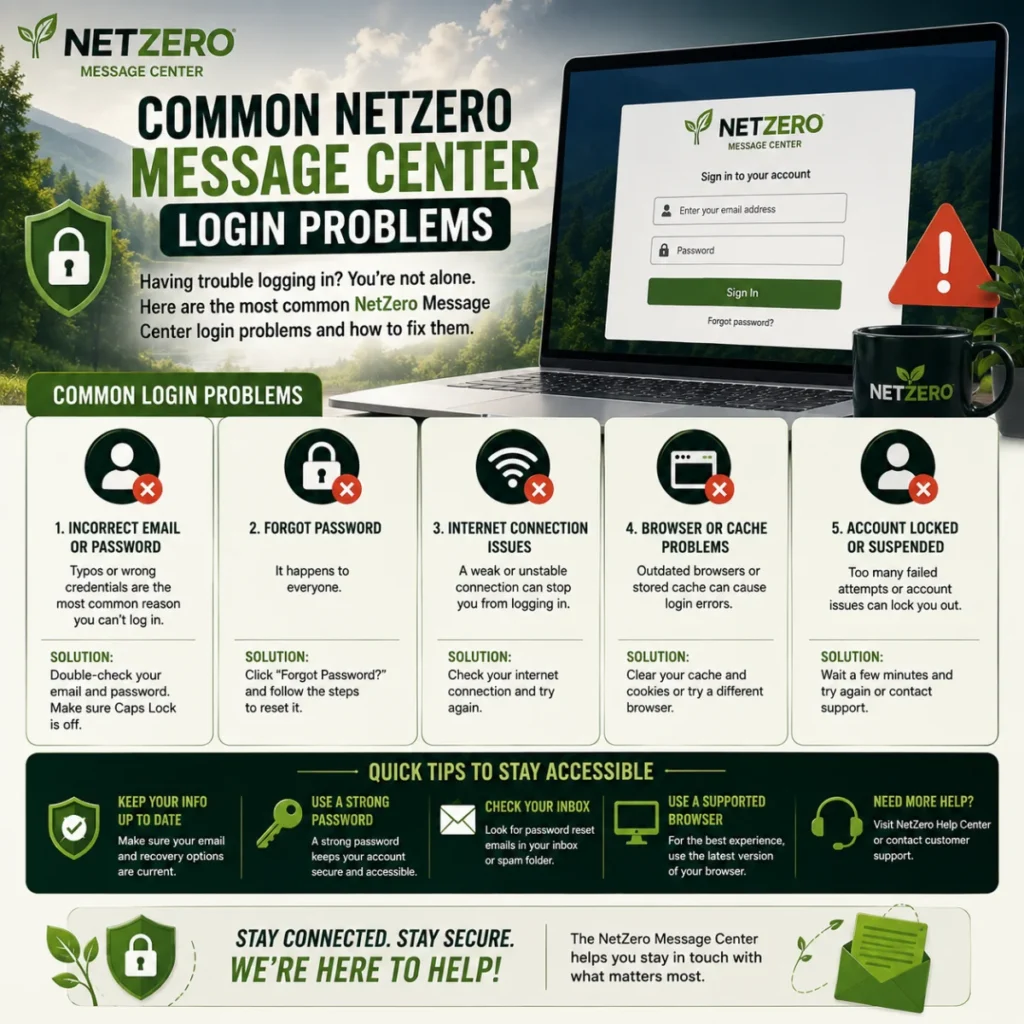
Although the service is generally reliable, users occasionally encounter login issues.
Some common problems include:
- Forgotten passwords
- Incorrect email addresses
- Browser compatibility issues
- Slow-loading pages
- Full mailbox storage
- Missing emails
- Spam filtering mistakes
Fortunately, many of these issues can be resolved by verifying your login credentials, clearing your browser’s cache, updating your browser, or resetting your password if necessary.
How to Reset Your NetZero Message Center Password
If you can’t access your account because you’ve forgotten your password, resetting it is usually the quickest solution.
Follow these steps:
- Go to the NetZero login page.
- Click Forgot Password.
- Enter your NetZero email address.
- Complete the identity verification process.
- Create a new, strong password.
- Sign in using your updated credentials.
Choose a password that’s unique and includes a mix of uppercase letters, lowercase letters, numbers, and special characters.
Tips to Keep Your NetZero Account Secure
Protecting your email account is essential because it may contain personal information, financial notifications, and important conversations.
Here are some security best practices:
- Use a strong, unique password.
- Never share your login credentials.
- Change your password regularly.
- Avoid signing in on public computers.
- Log out after using a shared device.
- Be cautious of phishing emails.
- Keep your browser updated.
Following these habits can significantly reduce the risk of unauthorized access.
How to Manage Folders and Email Storage
As your inbox grows, organizing emails becomes increasingly important.
Consider creating folders such as:
- Personal
- Family
- Work
- Bills
- Receipts
- Shopping
- Travel
- Important Documents
Moving older emails into folders makes your inbox cleaner and helps you find important messages faster.
How to Search for Old Emails
Finding an older message doesn’t have to be difficult.
The NetZero Message Center search feature allows you to search by:
- Sender name
- Email address
- Subject
- Keywords
- Date (when available)
Using specific keywords usually provides faster and more accurate results.
Common Email Problems and Their Solutions
Below are some issues users frequently encounter and possible solutions.
| Problem | Possible Solution |
|---|---|
| Can’t log in | Verify your email and password or reset your password. |
| Inbox not loading | Refresh the page or clear your browser cache. |
| Missing emails | Check Spam, Trash, or other folders. |
| Unable to send emails | Confirm your internet connection and recipient address. |
| Attachments won’t upload | Check the file size and browser compatibility. |
| Slow performance | Update your browser and close unnecessary tabs. |
Most problems can be resolved without contacting customer support.
NetZero Message Center on Mobile Devices
Many users access their email from smartphones or tablets.
To improve your experience:
- Use an updated mobile browser.
- Ensure you have a stable internet connection.
- Bookmark the login page for quicker access.
- Log out when using someone else’s device.
- Enable browser updates for better performance.
The mobile version offers many of the same features available on desktop.
Best Practices for Managing Your Inbox
Good email habits make daily communication easier.
Try these practical tips:
- Check your inbox at scheduled times instead of constantly refreshing it.
- Delete spam immediately.
- Respond to important emails promptly.
- Archive conversations you no longer need daily.
- Keep attachments organized on your device.
- Review your inbox weekly to remove unnecessary messages.
Small improvements can make email management much more efficient.
Mistakes to Avoid When Using the NetZero Message Center
Many login or email issues happen because of avoidable mistakes.
Avoid these common errors:
- Using weak passwords.
- Ignoring suspicious emails.
- Leaving your account signed in on public computers.
- Forgetting to update recovery information.
- Opening attachments from unknown senders.
- Allowing your mailbox to become overcrowded.
Being proactive helps keep your account secure and organized.
Why Users Still Choose NetZero Message Center
Despite the availability of many modern email platforms, NetZero continues to serve users who value a familiar and straightforward email experience.
Its biggest advantages include:
- Easy web-based access.
- Simple interface.
- Reliable email management.
- Folder organization tools.
- Contact management.
- Spam filtering.
- No software installation required.
For existing NetZero customers, these features provide everything needed for everyday email communication.
Troubleshooting Tips for NetZero Message Center
If you’re experiencing issues with the NetZero Message Center, a few basic troubleshooting steps may solve the problem without additional assistance.
Try the following:
- Refresh your browser and sign in again.
- Clear your browser’s cache and cookies.
- Make sure JavaScript is enabled.
- Disable browser extensions that may interfere with the website.
- Try accessing your account from another browser or device.
- Check that your internet connection is stable.
- Verify you’re using the correct email address and password.
If the issue continues, reviewing your account settings or contacting NetZero support may be necessary.
Benefits of Using the NetZero Message Center
The NetZero Message Center offers several advantages for users who prefer a straightforward email experience.
Some of the main benefits include:
- Access your email from almost any web browser.
- Send and receive messages quickly.
- Organize emails with custom folders.
- Search thousands of emails in seconds.
- Store important conversations safely.
- Manage contacts from one location.
- Reduce inbox clutter with spam filtering.
- Access your account without installing software.
These features make everyday email management simple and convenient.
Tips for Better Email Communication
Using email effectively improves both personal and professional communication.
Consider these best practices:
- Write clear and specific subject lines.
- Keep your emails short and easy to read.
- Proofread before sending.
- Avoid sending unnecessary attachments.
- Reply promptly to important messages.
- Use polite and professional language when appropriate.
- Double-check recipient addresses before clicking Send.
Developing good email habits helps reduce misunderstandings and improves communication with others.
Who Should Use the NetZero Message Center?
The NetZero Message Center is suitable for a wide range of users.
It may be especially useful for:
- Existing NetZero customers.
- Individuals who prefer web-based email access.
- Home users managing personal communication.
- Families sharing important information.
- Small business owners using NetZero email.
- Users who want a simple, easy-to-use email interface.
Whether you’re checking messages daily or only occasionally, the Message Center provides the essential tools needed to manage your email efficiently.
Frequently Asked Questions
1. What is the NetZero Message Center?
The NetZero Message Center is a web-based email platform where users can access, send, receive, and organize their NetZero emails.
2. How do I log in to the NetZero Message Center?
Visit the NetZero website, open the Message Center, enter your email address and password, then click Sign In.
3. What should I do if I forget my NetZero password?
Use the Forgot Password option on the login page and follow the steps to reset your password.
4. Can I access the NetZero Message Center on my phone?
Yes. You can access the Message Center using a supported mobile browser with an internet connection.
5. Why can’t I log in to my NetZero account?
Incorrect login credentials, browser issues, or a forgotten password are among the most common causes.
6. How can I organize my emails in the NetZero Message Center?
Create folders, archive old messages, delete unwanted emails, and use the search feature to keep your inbox organized.
7. Does the NetZero Message Center support file attachments?
Yes. You can send and receive documents, images, PDFs, and other supported attachments through your email account.
8. Is the NetZero Message Center secure?
Yes, when you use a strong password, avoid suspicious emails, and follow recommended account security practices.
Conclusion
The NetZero Message Center provides a simple and reliable way to manage your email account from virtually anywhere. Whether you’re checking new messages, organizing folders, sending attachments, or updating your contacts, the platform includes the essential tools needed for everyday communication.
By understanding its features, following the login steps, and applying the security and organization tips shared in this guide, you can enjoy a smoother email experience while avoiding common issues. As long as you keep your account secure and your inbox organized, the NetZero Message Center remains a convenient solution for staying connected in 2026 and beyond.

Serhii Dunev is a passionate content creator dedicated to crafting meaningful texts, messages, and word inspirations. He aims to help people express their emotions clearly through simple and impactful words.