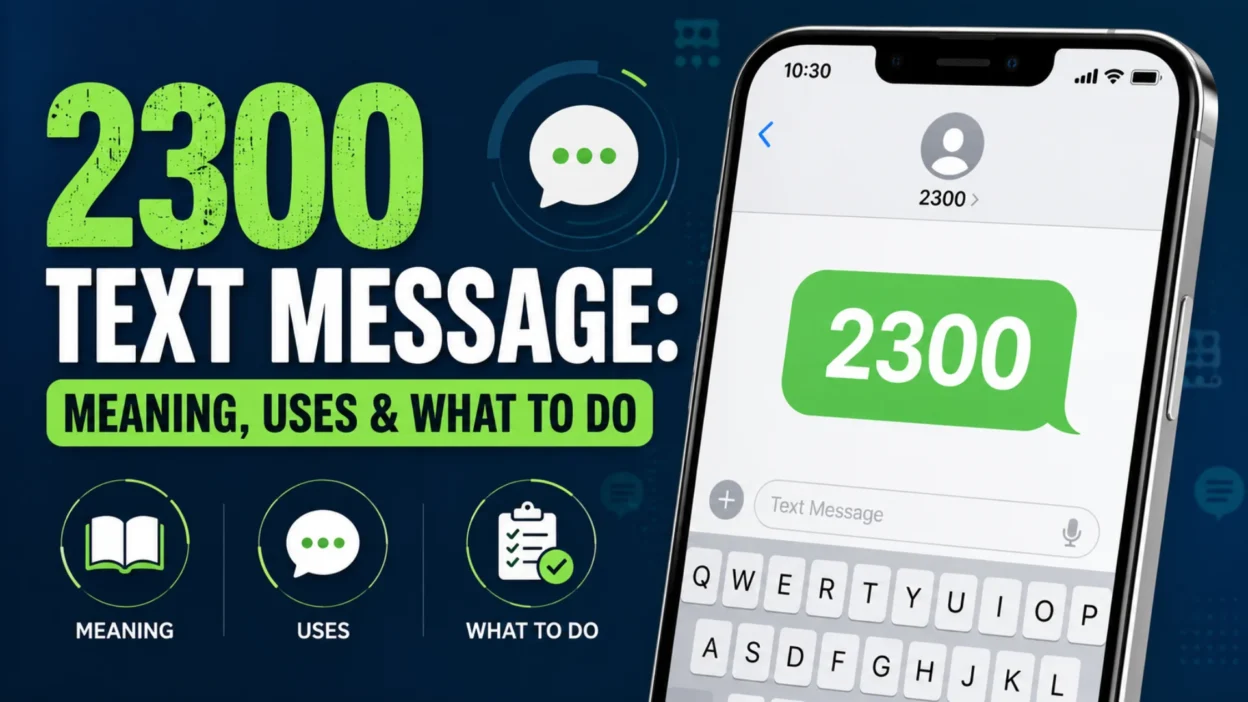
If you’ve noticed 2300 text message activity on your phone, messaging app, or wireless account, you may wonder whether it came from a person, your carrier, or a suspicious service. The four-digit number can look unusual, especially when it appears without a normal conversation attached to it.
In many cases, 2300 is associated with carrier or messaging-system activity rather than a personal contact. It can appear in usage records, messaging logs, or automated communications. However, the exact purpose can depend on your carrier, country, device, and the context in which you see it.
This guide explains what 2300 can represent, why T-Mobile customers may encounter it, what “2300 Mauritius” can mean, and how to tell a harmless system entry from something that deserves attention.
What Is 2300 in a Text Message?
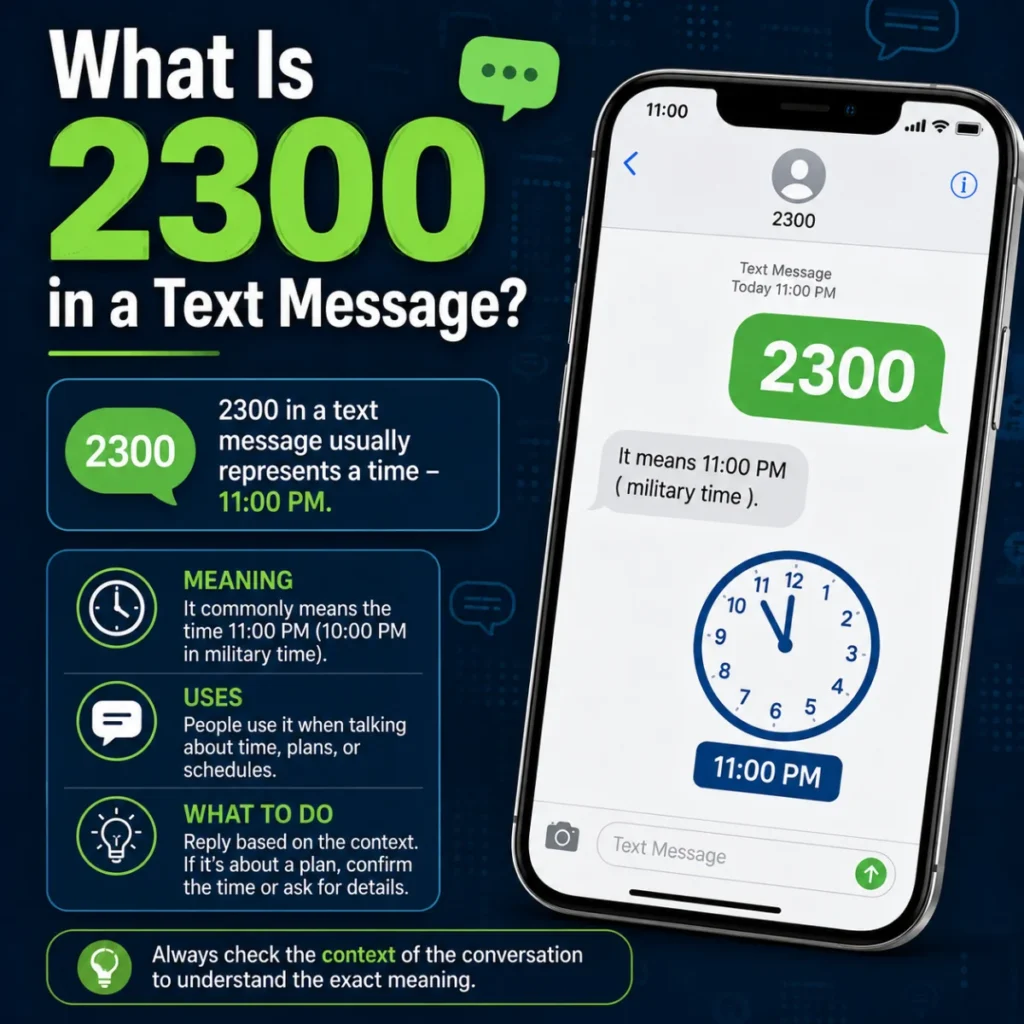
2300 is a four-digit short code or system identifier that can appear in mobile messaging activity. Unlike a normal phone number, a short code doesn’t identify an individual subscriber.
Short codes can support automated communications, carrier services, alerts, and other messaging functions. The number itself doesn’t provide enough information to determine exactly why it appeared.
For example, seeing 2300 in a wireless usage history may be very different from receiving an actual message containing a promotional offer or a link. Context matters.
Search results and user reports commonly associate 2300 with T-Mobile-related messaging activity, including MMS and other carrier-system processes. However, that doesn’t mean every appearance of 2300 belongs to T-Mobile or has the same purpose.
Short Code vs. Regular Phone Number
A regular phone number normally contains enough digits to identify a telephone subscriber or geographic destination.
A short code works differently. Carriers and organizations can use short numbers for automated messaging services. Therefore, a four-digit number such as 2300 shouldn’t automatically be treated as a personal phone number.
That distinction explains why the entry can look unfamiliar when you review your messaging history.
Why Does 2300 Appear on Your Phone or Bill?
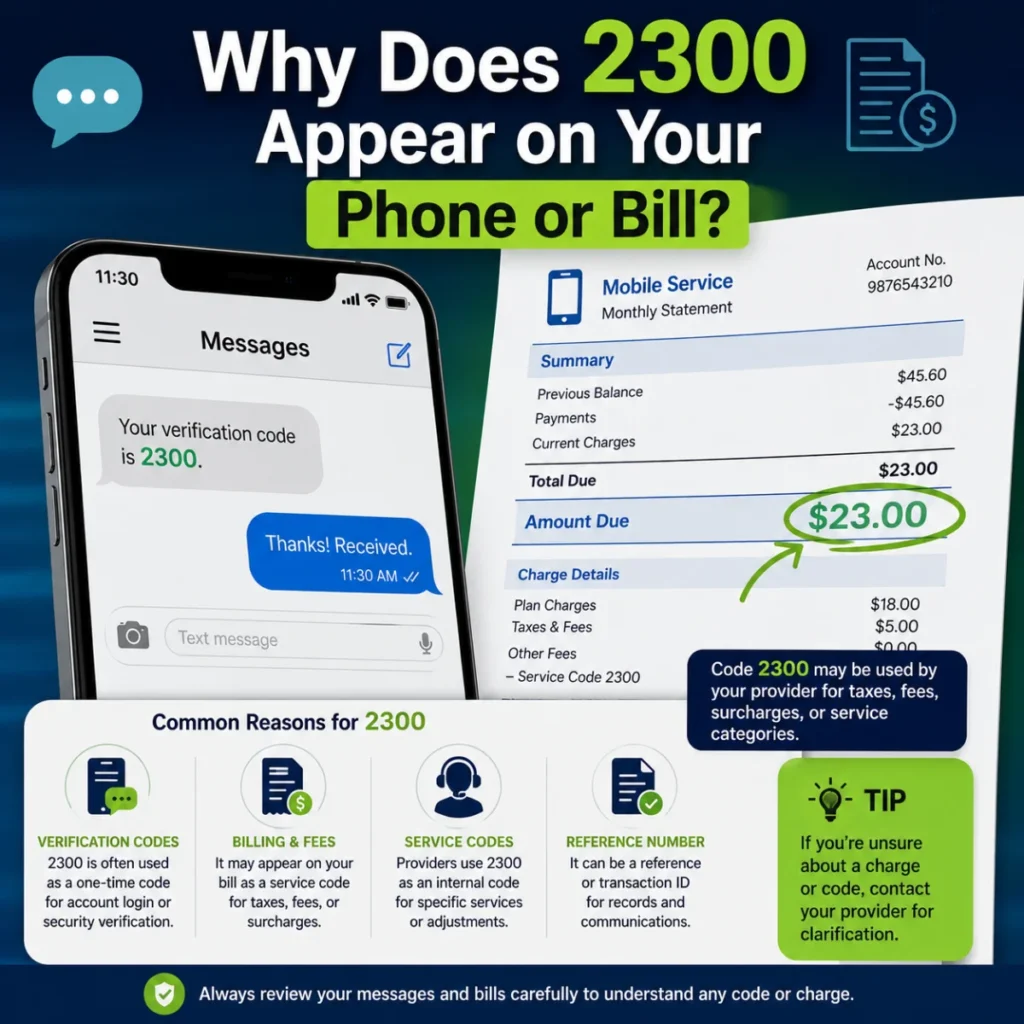
There isn’t one universal reason for seeing 2300. The surrounding information is the most useful clue.
You might encounter the number in:
- A carrier usage report
- A detailed phone bill
- An SMS or MMS history
- A message notification
- A messaging error
- A carrier-related system notification
- A record associated with picture or group messaging
For T-Mobile customers, several sources associate 2300 with network handling of MMS and group messages. In those situations, the number may represent behind-the-scenes carrier processing rather than a person deliberately sending you a message.
That can explain an apparently strange situation: you see 2300 in your account history, but there is no ordinary conversation with a contact named 2300.
Is 2300 a T-Mobile Number?
2300 is commonly associated with T-Mobile-related messaging and network activity, particularly in the United States. Several sources describe it as a system or short-code identifier connected with services such as MMS routing.
Still, it’s better not to assume that every 2300 message worldwide comes directly from T-Mobile.
Short-code assignments and carrier systems vary by region. A number that has one function in one network may have a different purpose elsewhere.
If you’re a T-Mobile customer and see 2300 repeatedly in your usage records, compare the timing with picture messages, videos, or group conversations. That can provide a useful clue about why the entry appeared.
What Does 2300 Have to Do With MMS?
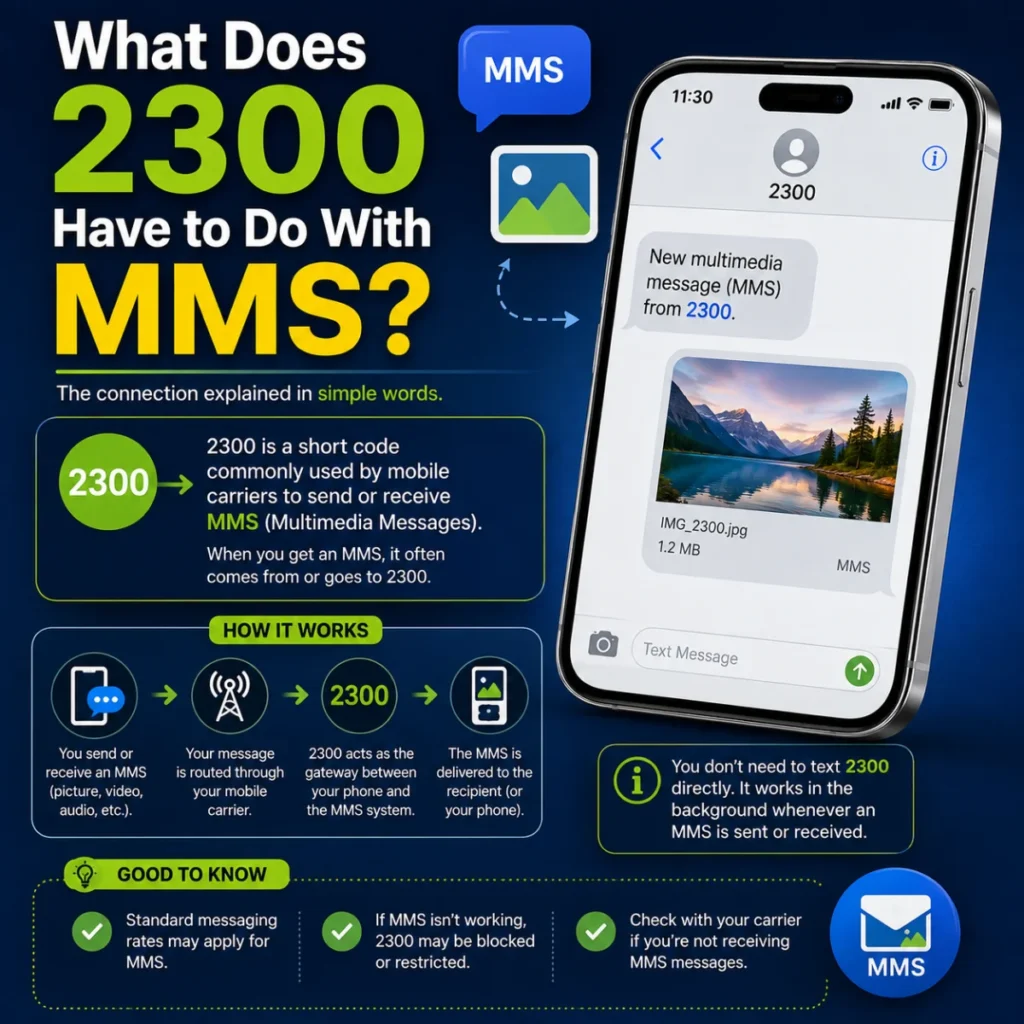
One of the most frequently reported explanations involves Multimedia Messaging Service (MMS).
MMS handles more than ordinary text. Depending on the messaging system, it can be involved when you send or receive:
- Pictures
- Videos
- Group messages
- Other multimedia content
Carrier networks process this traffic through messaging infrastructure. Some usage systems can display technical identifiers associated with that processing.
Sources discussing T-Mobile’s 2300 entries commonly connect them with MMS or group-message routing.
Why Would a Picture Message Create a 2300 Entry?
Imagine you send a picture to a group of friends.
Your messaging app shows the conversation normally. Behind the scenes, however, the carrier still has to process and route the multimedia message. The carrier’s usage system may record technical activity that isn’t visible inside the conversation itself.
As a result, a 2300 entry can sometimes appear even though you never intentionally opened a conversation with a number called 2300.
That doesn’t automatically indicate that someone accessed your account.
What Does “2300 Mauritius” Mean?
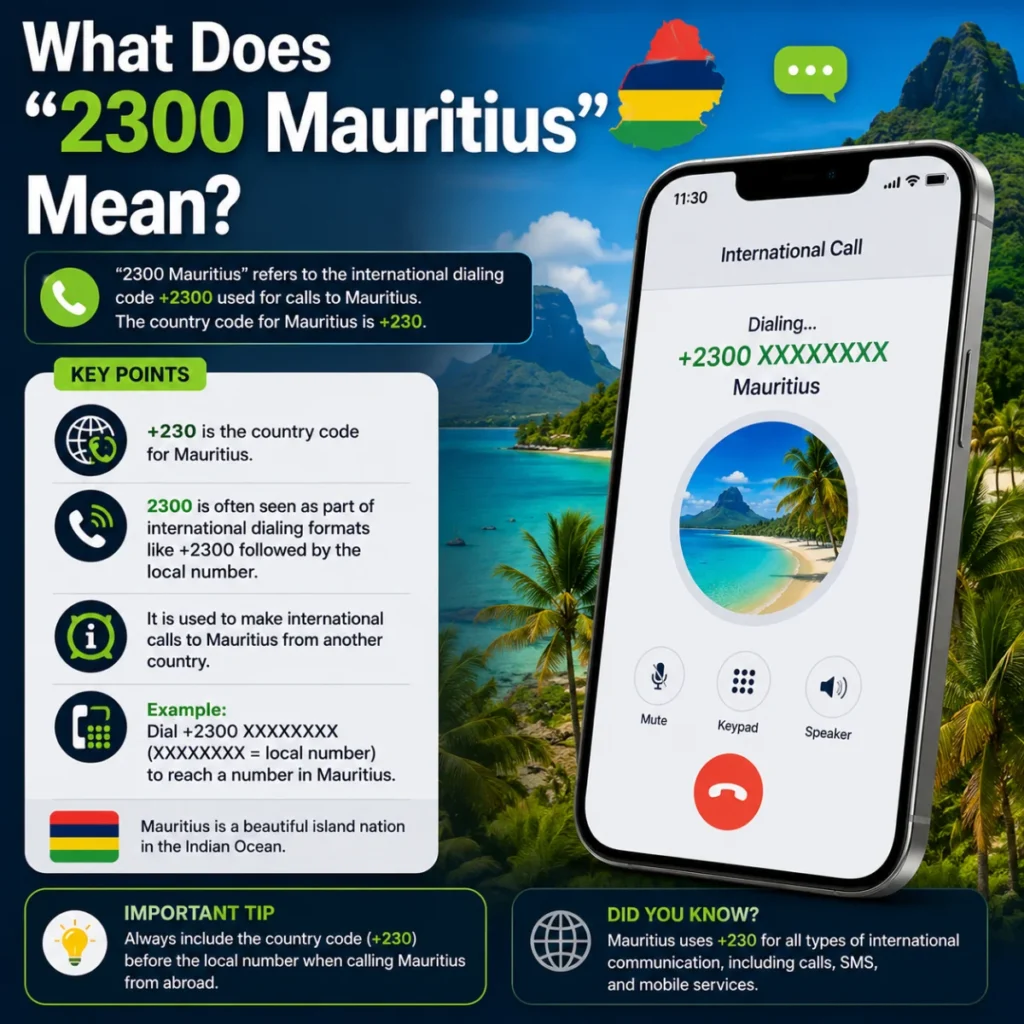
“2300 Mauritius” is another phrase that can cause confusion.
Some users report seeing 2300 associated with the word Mauritius in phone or account information. This can look alarming because Mauritius uses the international calling code +230.
However, the appearance of the word “Mauritius” doesn’t by itself prove that someone in Mauritius contacted you or that you incurred an international charge.
The label may result from how a device, carrier system, or database interprets and displays a short code. Sources discussing this issue specifically note that the label shouldn’t automatically be interpreted as the physical origin of the message.
The safest approach is to check the actual message details and your carrier’s usage records rather than relying on the location label alone.
Is a 2300 Text Message a Scam?
Not necessarily.
The number 2300 alone isn’t enough to identify a message as legitimate or fraudulent. Some sources associate it with legitimate carrier operations, while other reports discuss situations involving suspicious messages or unexpected charges.
Instead of judging the sender solely by the number, examine what the message asks you to do.
Signs That Deserve Caution
Be careful if a message associated with 2300:
- Requests your password
- Asks for sensitive financial information
- Demands an urgent payment
- Contains a suspicious link
- Claims you’ve unexpectedly won money
- Requests security codes
- Pressures you to act immediately
- Asks you to install an unfamiliar app
A legitimate carrier notification can still contain useful information, but you shouldn’t provide sensitive information simply because a short code looks official.
How to Check Whether the Message Is Legitimate
Before responding, identify where you actually encountered 2300.
Step 1: Check your messaging app. Look for the complete message, including its wording, links, and sender information.
Step 2: Review your carrier account. If 2300 appears in a usage log, check the date, time, message type, and whether a charge is attached.
Step 3: Compare the timing. Think about whether you recently sent a picture, video, or group message around the same time.
Step 4: Check your carrier’s official app or website. Don’t use a link from a suspicious message to verify your account.
Step 5: Contact carrier support if something doesn’t match. If the entry involves an unexpected charge or account change, ask the carrier to identify the transaction.
This approach is more reliable than assuming that every 2300 entry is either completely harmless or definitely fraudulent.
What If 2300 Appears on Your T-Mobile Bill?
Seeing 2300 on a T-Mobile usage report can be confusing because the entry may not resemble a normal phone number.
Several sources specifically describe 2300 as an internal or technical identifier connected with MMS and group-message processing.
Start by checking whether the entry has an associated charge.
If there is no unexpected charge, and the timing corresponds with multimedia or group messaging, the entry may simply reflect carrier-side processing.
If there is an unexpected charge, don’t assume that the 2300 number itself caused it. Review the detailed billing information and contact T-Mobile through an official support channel.
This distinction is important because a technical usage entry and a paid third-party service aren’t necessarily the same thing.
Why Do You See “Incoming Text 2300”?
An “incoming text 2300” entry can be especially confusing.
Some carrier-focused explanations describe these entries as system records associated with MMS processing rather than ordinary person-to-person texts.
In practical terms, the word incoming doesn’t necessarily mean someone sat down and sent you a normal four-digit text.
It can describe how the carrier categorized network activity in its usage system.
For example, you might receive a group message containing an image. Your phone shows the group conversation, while the carrier’s billing system records related messaging activity separately.
That difference between what the customer sees and what the carrier records is one reason 2300 can appear mysterious.
What If You See 2300 After Sending a Group Text?
Don’t panic if a 2300 entry appears after sending a group message.
Group conversations can involve MMS or carrier messaging infrastructure, particularly when the conversation includes media or when the messaging configuration requires MMS handling.
A timing match can therefore provide a useful clue.
For instance:
What You NoticePossible Explanation2300 appears after a group messageCarrier messaging activity2300 appears after sending a pictureMMS-related processing2300 appears repeatedly in usage logsRecurring carrier/system activity2300 appears with an unexpected chargeReview billing details2300 sends a suspicious linkTreat the message cautiously
These examples are clues rather than guarantees. Your carrier and messaging setup can change how the activity is recorded.
Can You Reply to 2300?
Whether you should reply depends entirely on the message.
If 2300 appears only as a technical usage entry, there may be nothing to reply to.
If you receive an actual message from a short code, read the instructions carefully. Automated services sometimes provide commands such as STOP or HELP. However, don’t follow instructions blindly when the message appears suspicious.
If the message requests sensitive information, a safer option is to verify the issue through your carrier’s official app or customer-support channel.
In other words, don’t reply simply because you see the number. First determine what the message is actually about.
What Should You Do If 2300 Keeps Appearing?
Repeated entries don’t automatically mean something is wrong.
First, determine whether the entries are appearing in your phone’s messaging app or only in your carrier’s usage history. That difference can significantly change the likely explanation.
Next, look for patterns.
Do the entries appear after group conversations? Do they coincide with picture messages? Are they connected to a particular account event? Is there a financial charge?
If the entries appear without any obvious explanation, contact your carrier and ask for clarification.
You can also review:
- Your recent messages
- Your account activity
- Your billing history
- Messaging settings
- Premium or third-party messaging services
- Any recent plan or SIM changes
Avoid deleting evidence before you understand the issue. Screenshots of the message and billing entry can help customer support investigate it.
2300 vs. a Normal Text Message
The biggest difference is the purpose.
A normal text message usually connects two people or a person and an identifiable service. A short code can instead support automated or technical communication.
Consider the following:
Feature2300 Short Code EntryRegular Phone NumberLengthFour digitsUsually much longerTypical roleSystem or automated activityPerson-to-person communicationGeographic identityNot necessarily geographicMay have geographic informationCommon contextCarrier or messaging servicesCalls and ordinary textsIdentificationDepends on carrier/systemUsually tied to a subscriber
The distinction isn’t absolute because short codes can support many different services. Still, it explains why 2300 can look different from a normal contact.
Common Misunderstandings About 2300
“2300 must be a person.”
Not necessarily. Its short format and reported carrier use make a system or automated function a strong possibility in some contexts.
“2300 always means T-Mobile.”
That’s too broad. T-Mobile is strongly associated with several reported 2300 use cases, but short-code functions can vary by network and region.
“2300 Mauritius means someone from Mauritius texted me.”
The label alone doesn’t establish the message’s physical origin. Check the carrier and message details before reaching that conclusion.
“Every 2300 entry is a scam.”
There is no good reason to make that assumption. Many reported uses relate to legitimate carrier or messaging activity.
“A 2300 entry means my phone was hacked.”
Again, the entry by itself doesn’t prove a security breach. Look for other evidence, such as unauthorized account changes, unfamiliar charges, or suspicious login activity.
When Should You Contact Your Carrier?
Contact your carrier when the 2300 activity doesn’t make sense after checking your account.
It’s especially worth asking for help if:
- You see unexplained charges.
- The number appears alongside unfamiliar subscriptions.
- Your account shows activity you didn’t authorize.
- You receive repeated suspicious messages.
- Messaging suddenly stops working.
- You notice account or SIM changes you didn’t request.
Give customer support the exact date, time, message wording, and billing details when possible.
That information gives the carrier a better chance of identifying what generated the entry.
A Practical Way to Interpret 2300
When you see 2300, don’t start with the assumption that something is wrong.
Instead, ask four simple questions:
Where did I see it?
A phone app and a carrier bill can show very different types of information.
What happened around the same time?
A group message, picture, video, or account notification may provide context.
Was I charged?
A technical log entry is different from an unexpected paid service.
Does the message ask for anything sensitive?
If it requests passwords, payment information, or security codes, verify it independently.
This method keeps you from ignoring a genuine problem while also preventing unnecessary panic over an ordinary carrier-system entry.
Final Takeaway: Should You Worry About 2300?
In many reported cases, 2300 is connected with automated or technical mobile messaging activity, especially within T-Mobile-related usage records. Sources commonly associate it with MMS and group-message processing.
However, the number alone doesn’t tell you everything. The carrier, country, message content, billing record, and surrounding activity all matter.
If 2300 appears only as a technical entry and you have no unexpected charges or suspicious activity, there’s usually little reason to panic. On the other hand, a message containing suspicious links, requests for sensitive information, or unexplained charges deserves closer attention.
The best rule is simple: verify the context before taking action. When in doubt, use your carrier’s official support channels rather than links or contact details provided by an unexpected message.
FAQs About 2300 Text Messages
1. What is 2300 used for?
2300 can function as a short code or system identifier. In T-Mobile-related reports, it’s commonly associated with carrier messaging activity, including MMS and group-message processing.
2. Is 2300 a real phone number?
It is better understood as a short code or system identifier rather than a conventional personal phone number. Its exact function depends on the carrier and context.
3. Why does 2300 appear on my T-Mobile bill?
It may appear because the carrier recorded technical messaging activity, particularly activity related to MMS or group messages.
4. Is a text from 2300 dangerous?
Not automatically. Some reported 2300 activity is associated with legitimate carrier services. However, you should evaluate the actual message and be cautious with links or requests for sensitive information.
5. Why does 2300 say Mauritius?
Some devices or services may display a Mauritius-related label alongside 2300. That label doesn’t, by itself, prove that the message originated in Mauritius.
6. Does 2300 mean my phone is hacked?
No. Seeing the number alone isn’t evidence that your phone has been hacked. Check for additional signs such as unauthorized account activity or unexplained charges.
7. Should I block 2300?
Don’t block it automatically if it appears as a carrier-system entry. If you’re receiving unwanted messages, first identify the service involved and follow your carrier’s recommended blocking or opt-out process.
8. What should I do if 2300 charged my account?
Review the detailed billing entry first. If you don’t recognize the charge, contact your carrier and ask them to identify the service or transaction associated with it.
Conclusion
A mysterious four-digit entry can make any phone user curious, especially when it appears on a bill without a familiar conversation attached. In many cases, 2300 relates to automated carrier or messaging-system activity rather than a person contacting you directly.
T-Mobile customers may encounter the code in connection with MMS, group messages, and other network processes. Still, context matters, and you shouldn’t assume every 2300 appearance has the same meaning.
Check where the number appears, look for related messaging activity, review charges, and verify suspicious requests through official channels. With those simple checks, you can usually separate an ordinary carrier record from an issue that needs attention.

Serhii Dunev is a passionate content creator dedicated to crafting meaningful texts, messages, and word inspirations. He aims to help people express their emotions clearly through simple and impactful words.